Every browser and app
Kellet is a Windows service, not a browser extension. Chrome, Edge, Firefox, Brave, Opera and the rest are all covered, so is the next one you install, and so are browsers built into other apps.
Kellet blocks porn across your whole PC, in every browser and every app. Its AI checks images, video and the screen itself, so it catches what a blocklist misses. Loosening a rule or uninstalling Kellet waits out a cooldown you choose in advance.
Free for 14 days from the moment your account is confirmed. No card to start.
You need a Kellet account to use it. After the installer runs, it opens your browser so you can sign in or create one, then approve the device.
Kellet works underneath your browsers and apps rather than inside one of them, so the same rules cover everything on the computer.
Kellet is a Windows service, not a browser extension. Chrome, Edge, Firefox, Brave, Opera and the rest are all covered, so is the next one you install, and so are browsers built into other apps.
AI checks every image and video as it downloads. Anything explicit is blurred or blocked while the rest of the page loads normally, even on a site registered this morning.
As often as every few seconds, AI checks what is actually on screen: an app, a streamed video, a browser with its own VPN, or a photo opened from an old drive or USB stick.
More than 480,000 known adult sites, from several actively maintained lists, are stopped before they load. Add any site of your own to Always blocked.
Google, Bing and DuckDuckGo always use strict SafeSearch, and YouTube always runs in Restricted Mode.
Add the words, names and phrases you want stopped. A search containing one is blocked before the results load, on Google, Bing, YouTube, Reddit, X, TikTok and more.
Block a program outright, give it a daily limit, or hold anything newly installed until you approve it. A blocked app is closed whenever it starts.
For the hours you name, the PC is locked behind a full-screen notice and your apps are closed. It unlocks by itself when the window ends.
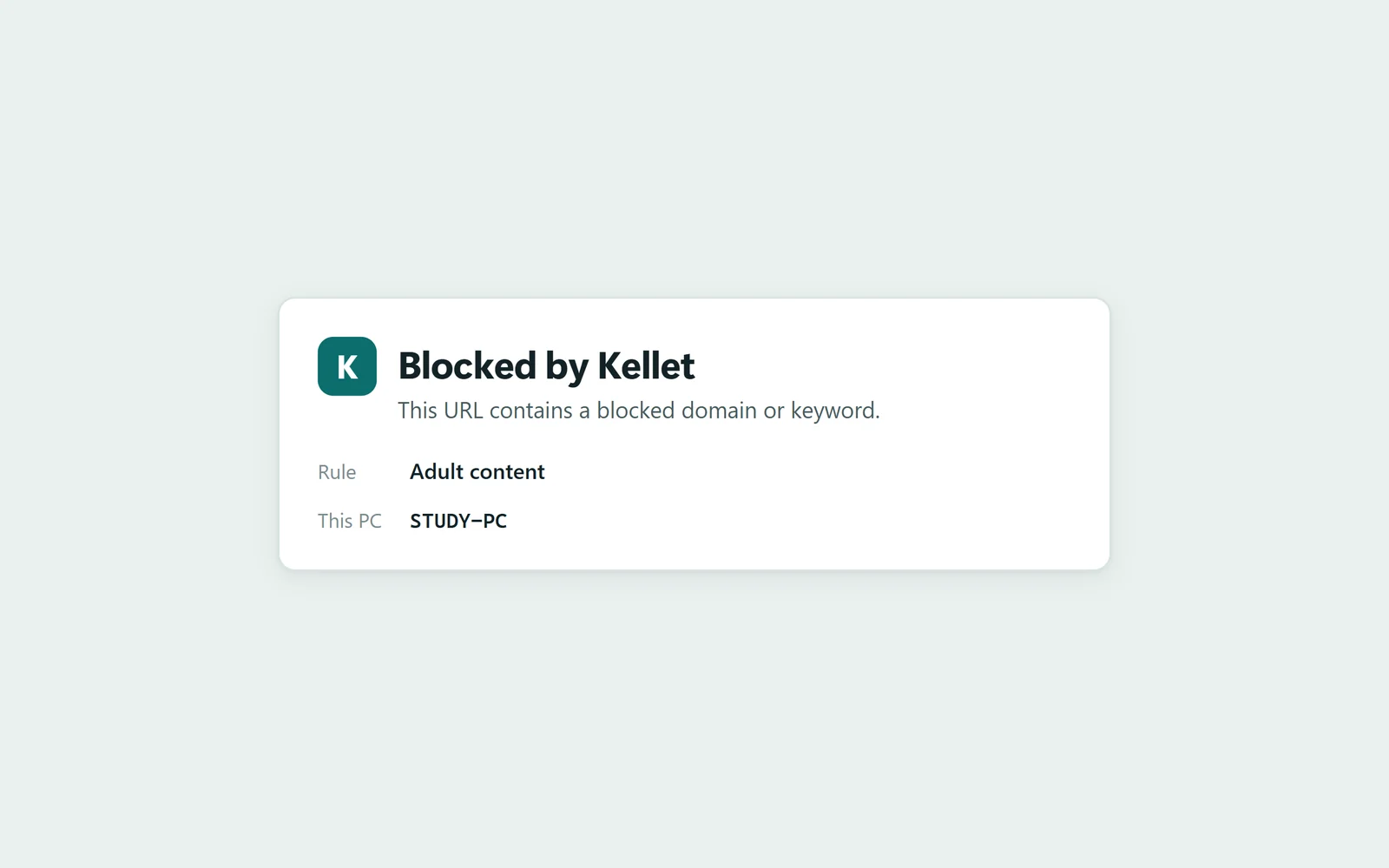
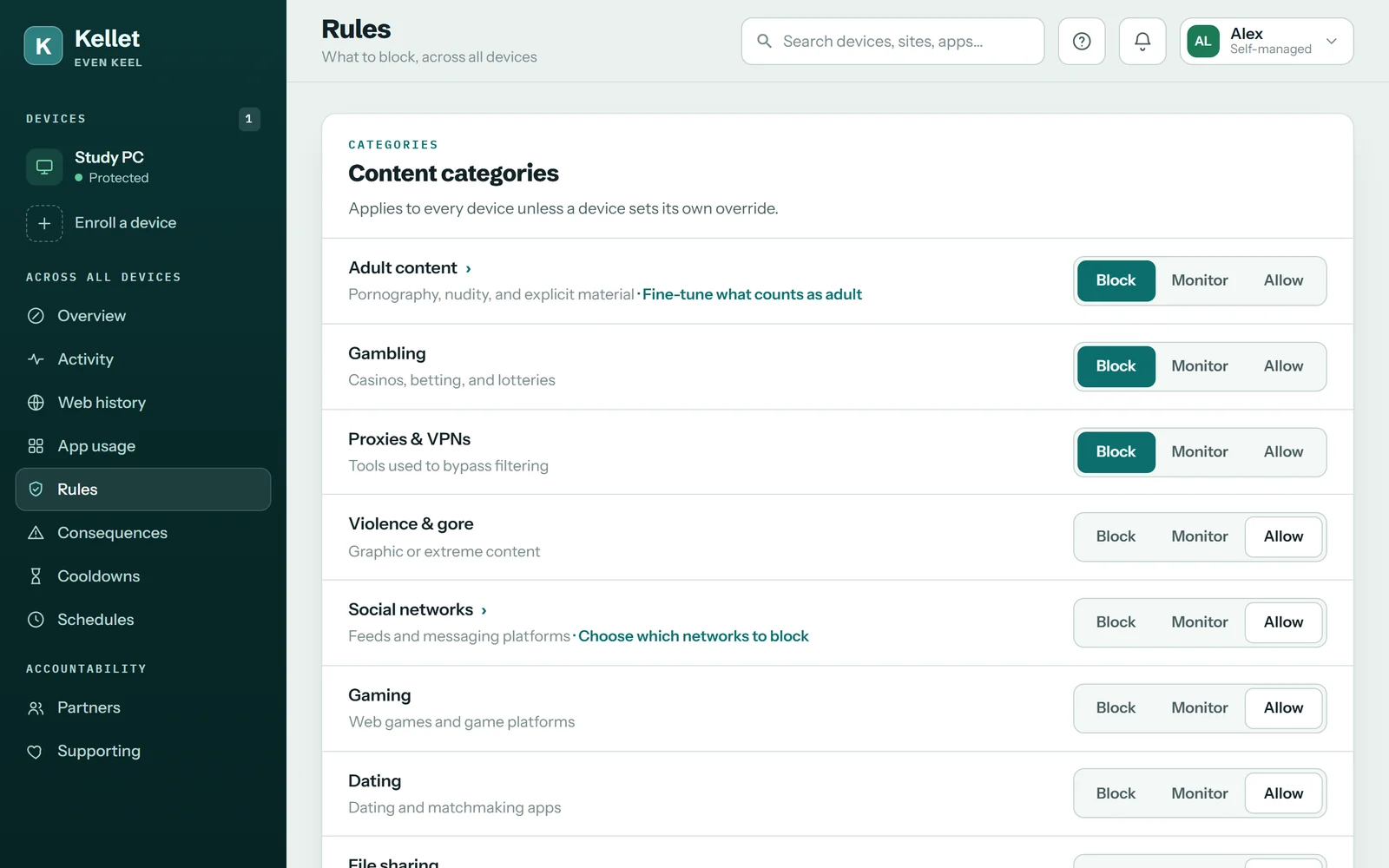
Most blockers stop at the block page. Kellet can also close the tab or the whole browser, and lock the PC if detections pile up.
Swap the page for a block page in your own words, or send the browser somewhere safe.
Shut the tab it was on, straight away. Everything else stays open.
Close every window and every tab. Whatever was on screen is gone.
Escalations allow you to lock the device when detections pile up. Each lock lasts longer than the last.
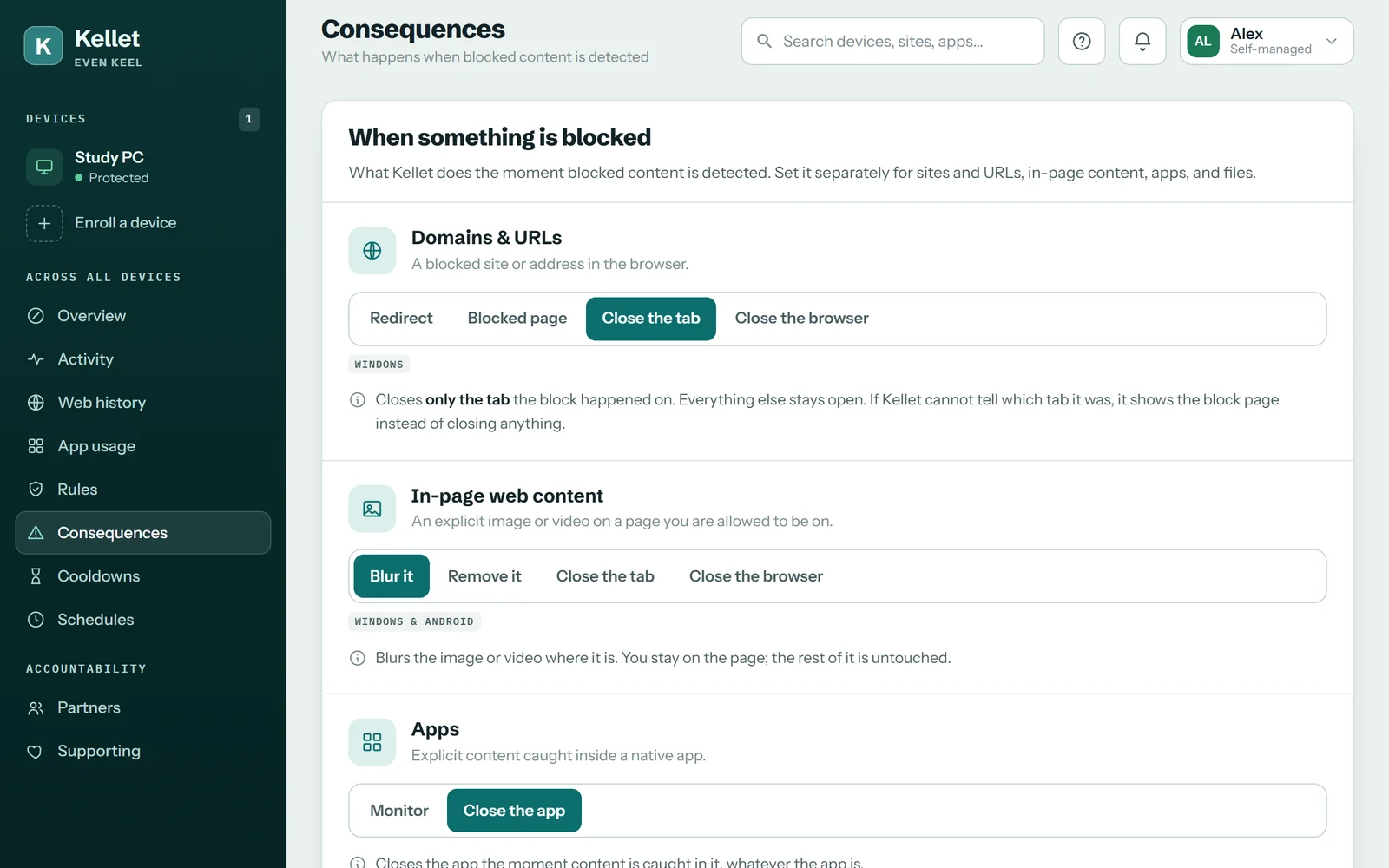
There is no pause. Loosening any rule waits out the cooldown you set, and making a rule stricter applies straight away.
Removal is a request from your account. It waits out an uninstall cooldown you choose, up to a week, and the uninstaller refuses until the wait is over.
It starts with Windows, before anyone signs in. Stopping it from Services, Task Manager or the command line is refused or undone within seconds, even for an administrator.
It covers every Windows account on this PC, not only yours, unless you turn one off on the device’s page. Get the agreement of everyone who uses it before you install.
An accountability partner of at least 7 days can end a lock or approve an early removal, when you ask them to.
New versions install in the background, so this is the only time you download Kellet. It is code-signed and shows in your installed programs and the system tray.
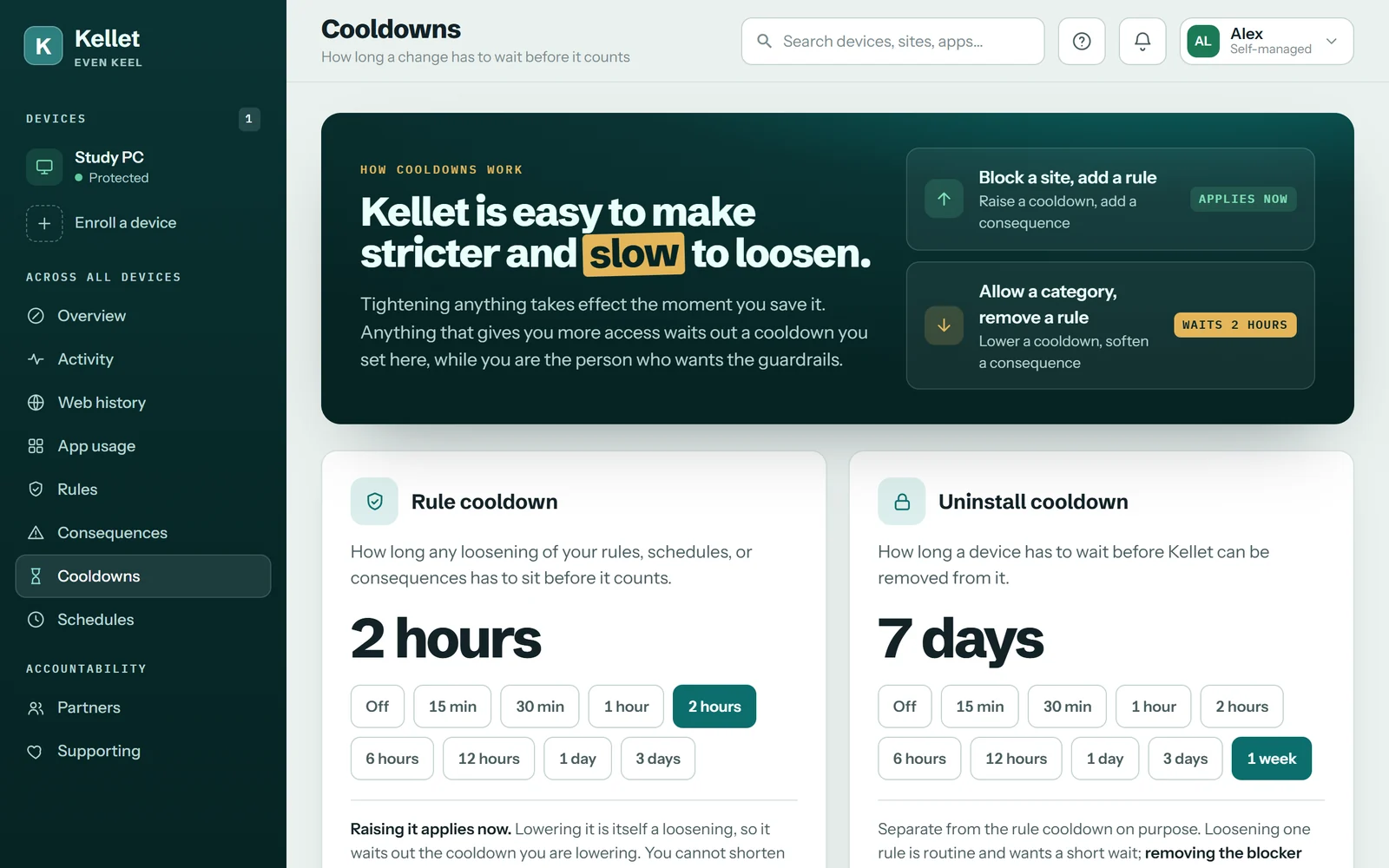
The installer is about 50 MB. Windows asks for administrator rights once, then Kellet installs as a service in about a minute.
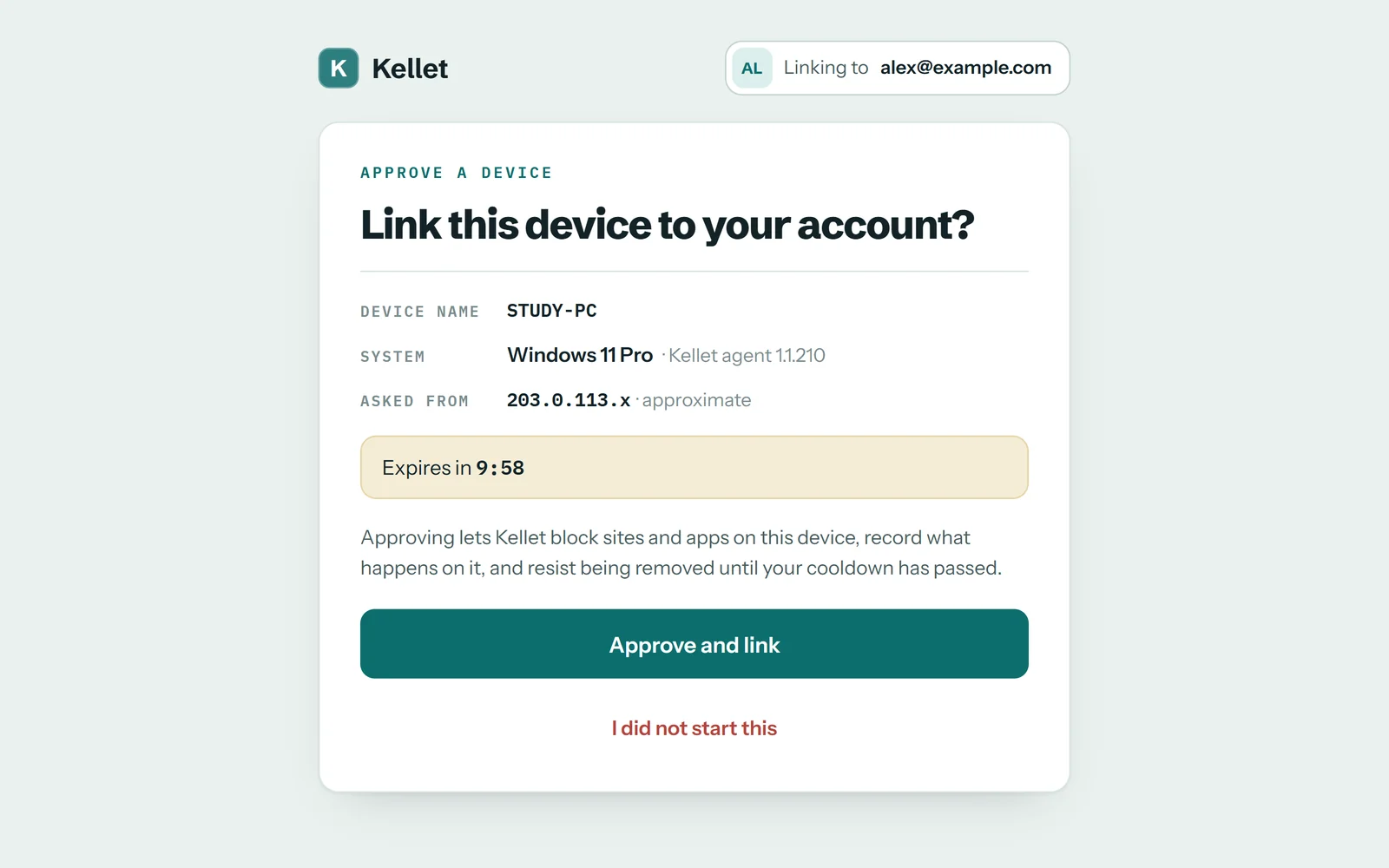
Setup opens your browser. Sign in or create your account, check the device name, and choose Approve and link. Nothing is blocked until you do.
Restart when Setup asks, so every browser picks up the filter. Then choose how long loosening a rule and uninstalling should wait.
Fourteen days free, every layer on, no card needed.
kel·let /ˈkelɪt/ A weight lowered partway down an anchor line so the anchor stays set when the wind picks up. You put it down in calm water, for the night it blows.